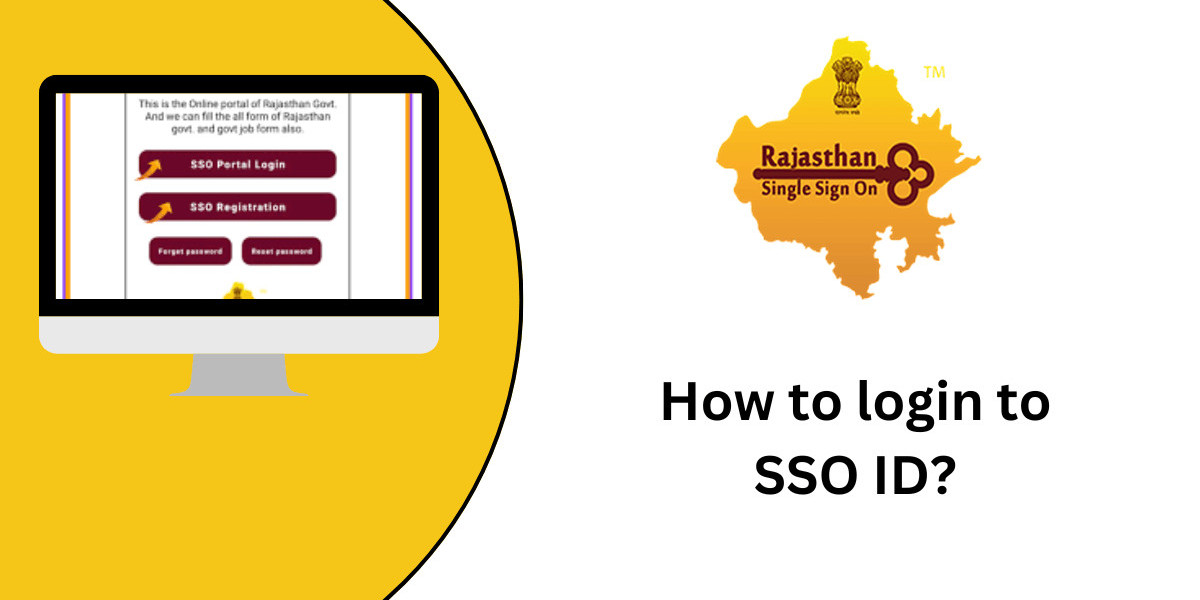

The Rajasthan government's Single Sign-On (SSO) portal allows people to access different online services with just one login ID. This guide will give you step-by-step instructions on how to login to your SSO ID so you can use these helpful e-services.
Logging into your SSO ID is easy and you only need a couple key things. By following the steps in this guide, you'll be able to securely access your SSO account and use the many digital services the Rajasthan government offers.
Before we get into the login steps, let's talk about why using the SSO portal is good and who can make an SSO ID. Knowing this basic info will help you understand the value and importance of logging into your account the right way.
Benefits of SSO
The SSO portal offers many advantages to Rajasthan residents. It brings together all government services under one login, making it easier and quicker to access important online resources.
With an SSO ID, residents can use various e-services like applying for certificates, paying bills, and checking land records. The portal makes things simpler by removing the need to remember different logins for each government agency.
The SSO system also improves security with strong authentication methods. This protects personal information and ensures only authorized people can access their accounts and use government services.
Eligibility for SSO ID
To get an SSO ID and use the portal's services, you need to meet certain requirements. All Rajasthan residents can create an SSO account using their Jan Aadhaar or Bhamashah card.
Rajasthan business owners can also apply for an SSO ID using their Business Registration Number (BRN). This lets them access relevant services for industries and businesses.
Government employees in Rajasthan qualify for SSO registration too. They can set up an account using their State Insurance and Provident Fund (SIPF) number to access internal government systems.
SSO Login Steps
To access your SSO account, go to sso.rajasthan.gov.in. On the homepage, click "Login" or "Sign In".
- Enter your registered SSO ID or username.
- Input your SSO account password.
- Enter the captcha code shown.
- Click "Login" or "Sign In" to access your account.
If you forget your SSO ID or password, use the "Forgot SSO ID" or "Forgot Password" options. Follow the steps to safely retrieve your login details.
Conclusion
Logging in with your SSO ID gives you access to many Rajasthan government e-services. You can easily use these digital resources from home or work.
We hope this guide helped explain how to login to your SSO ID. If you have issues or questions, contact the SSO helpdesk. Start using the SSO portal today to make dealing with Rajasthan government services easier.